
This form will NOT open in your browser like other PDF forms.
You must download the form, then open it in Adobe Acrobat Reader.
Follow these detailed steps to access and submit this form.
- Click the link at the bottom of this page to begin the process.
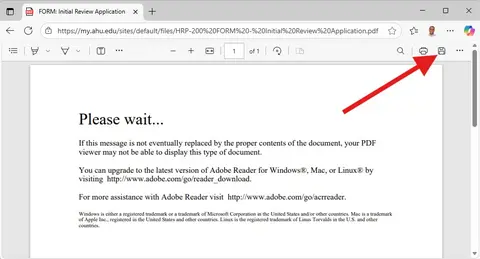
- You will end up at a page that tells you to "Please wait..."; Click the "Save" icon to download and save the form.
Image
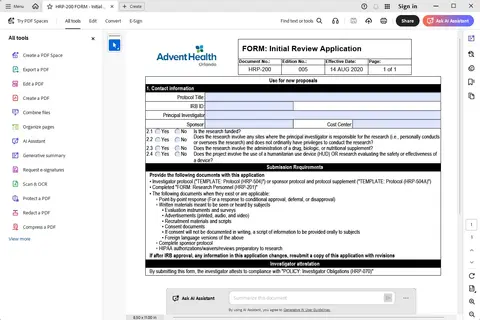
- Locate the form you saved and open with Adobe Acrobat Reader.
Image
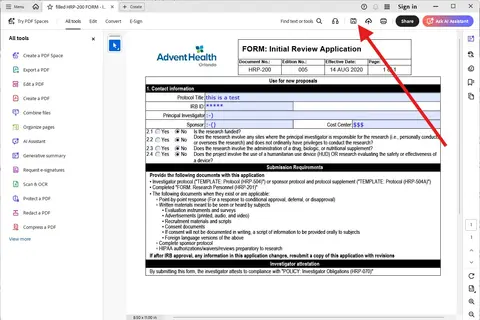
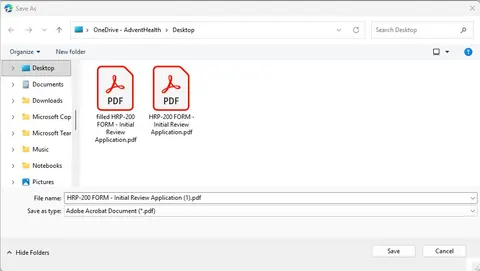
- Fill out and save your form locally with a unique name.
Image
Image
- Return to the New Proposal Application (should still be opened in another browser tab) and upload your completed form.
Form: